

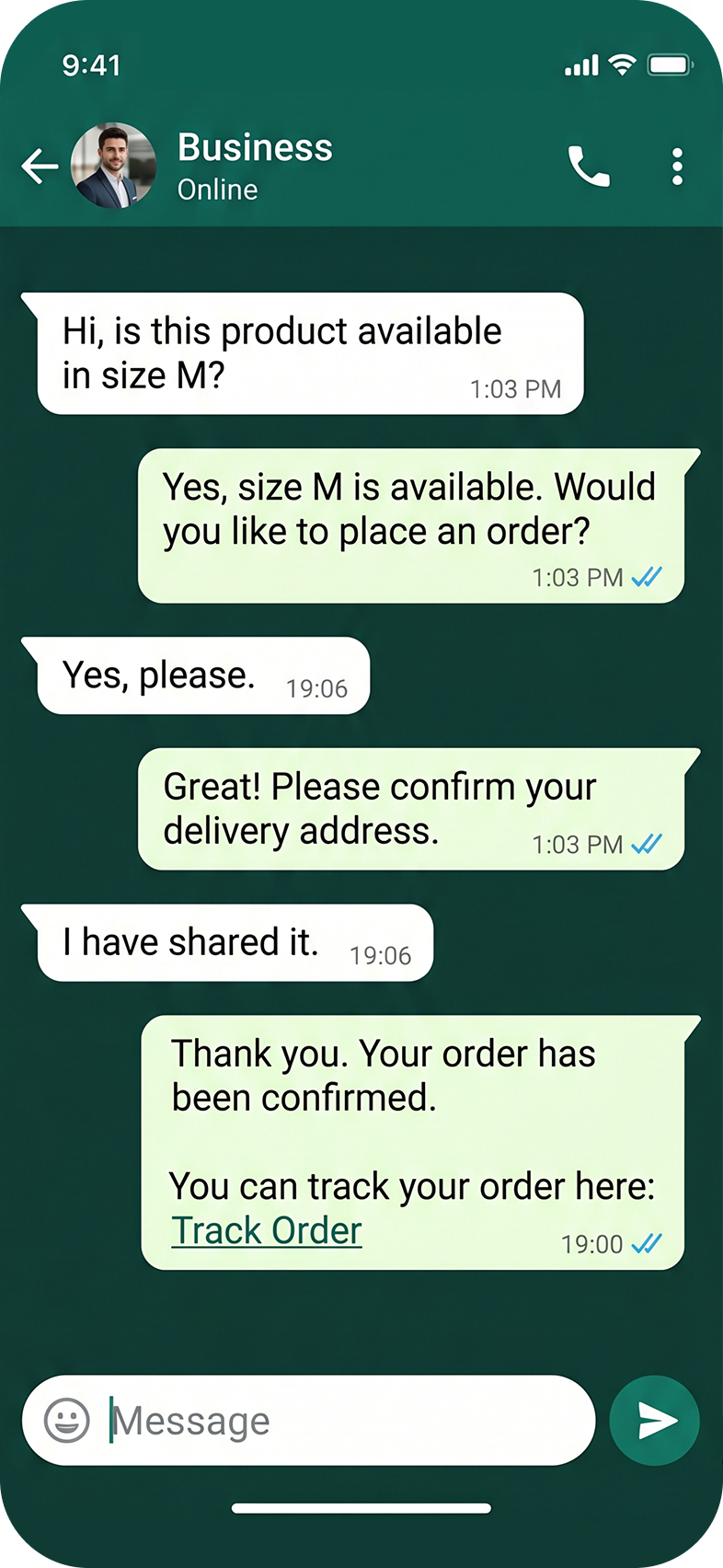

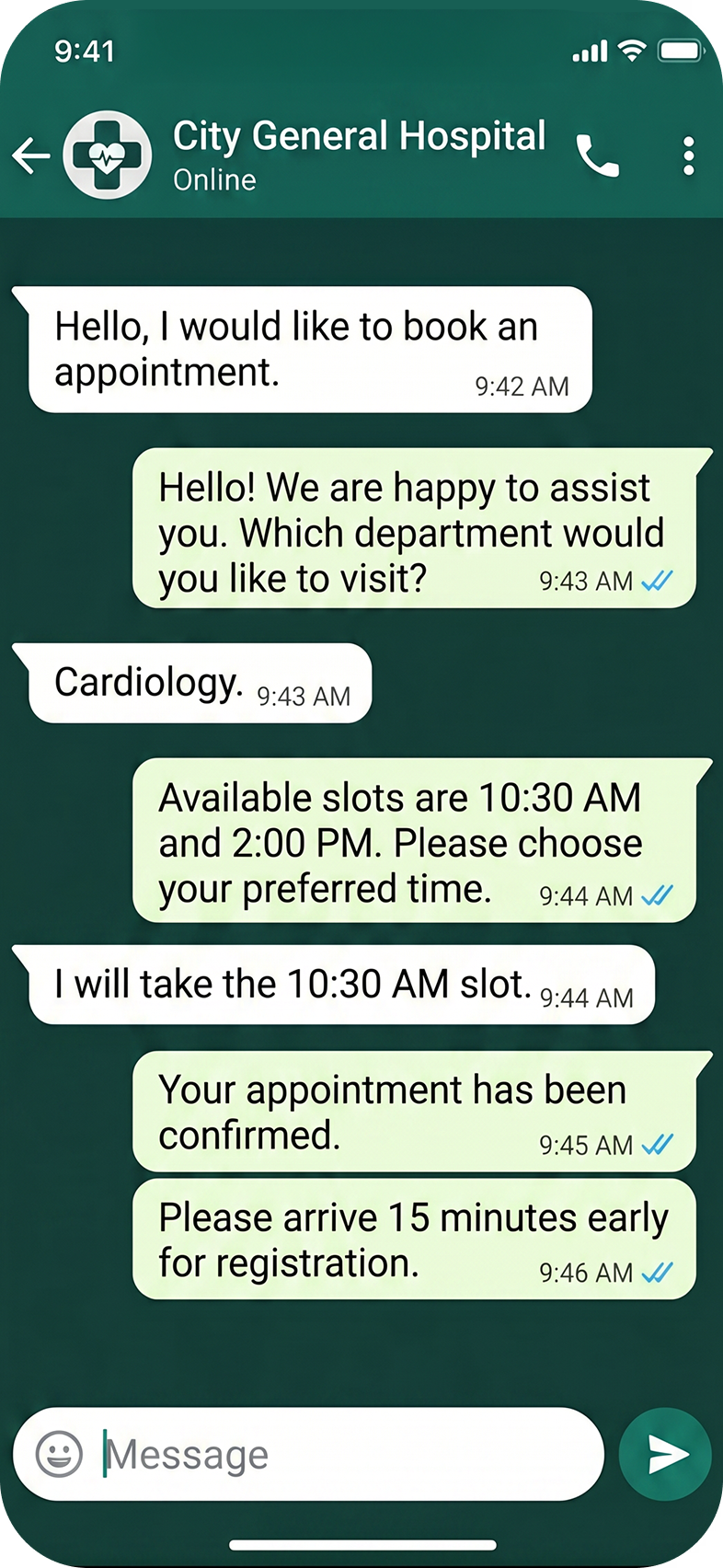
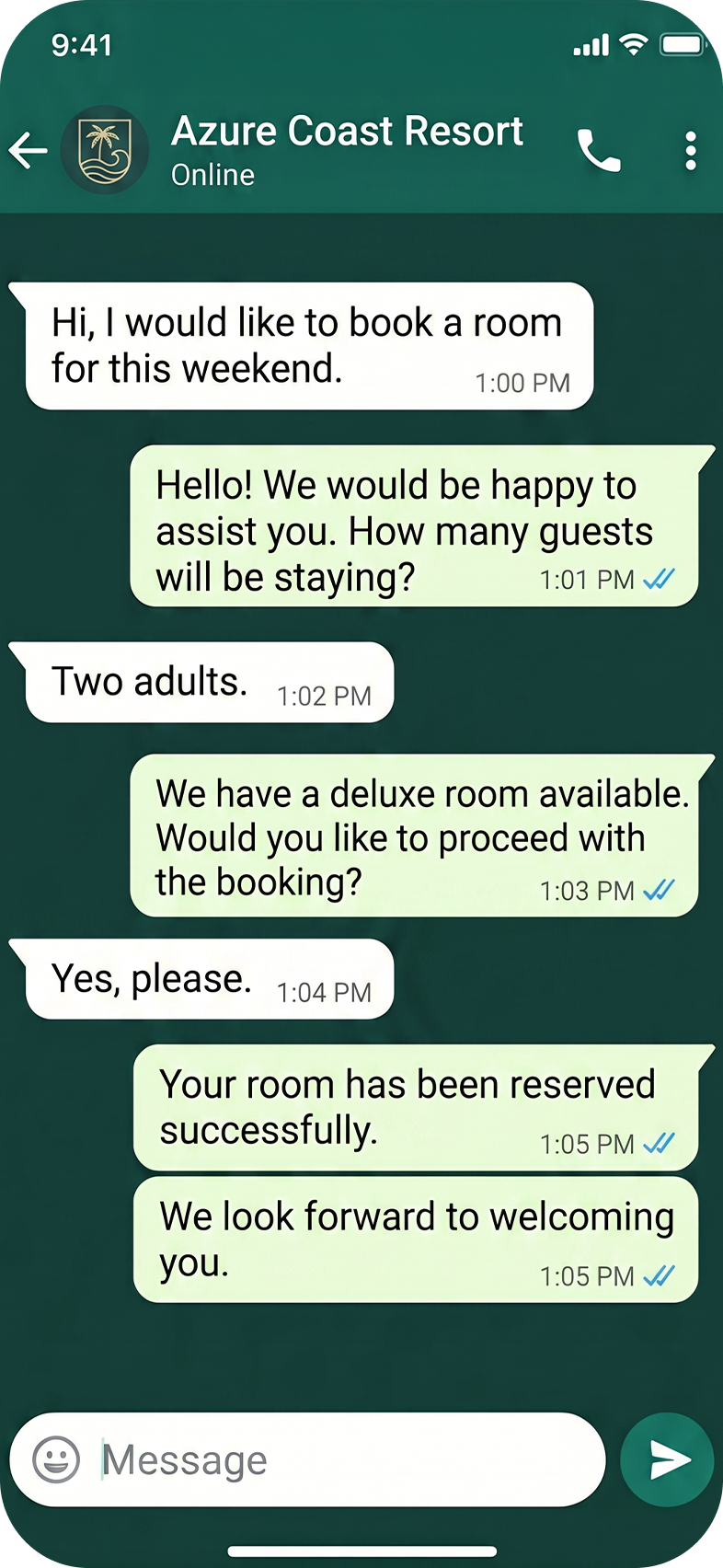
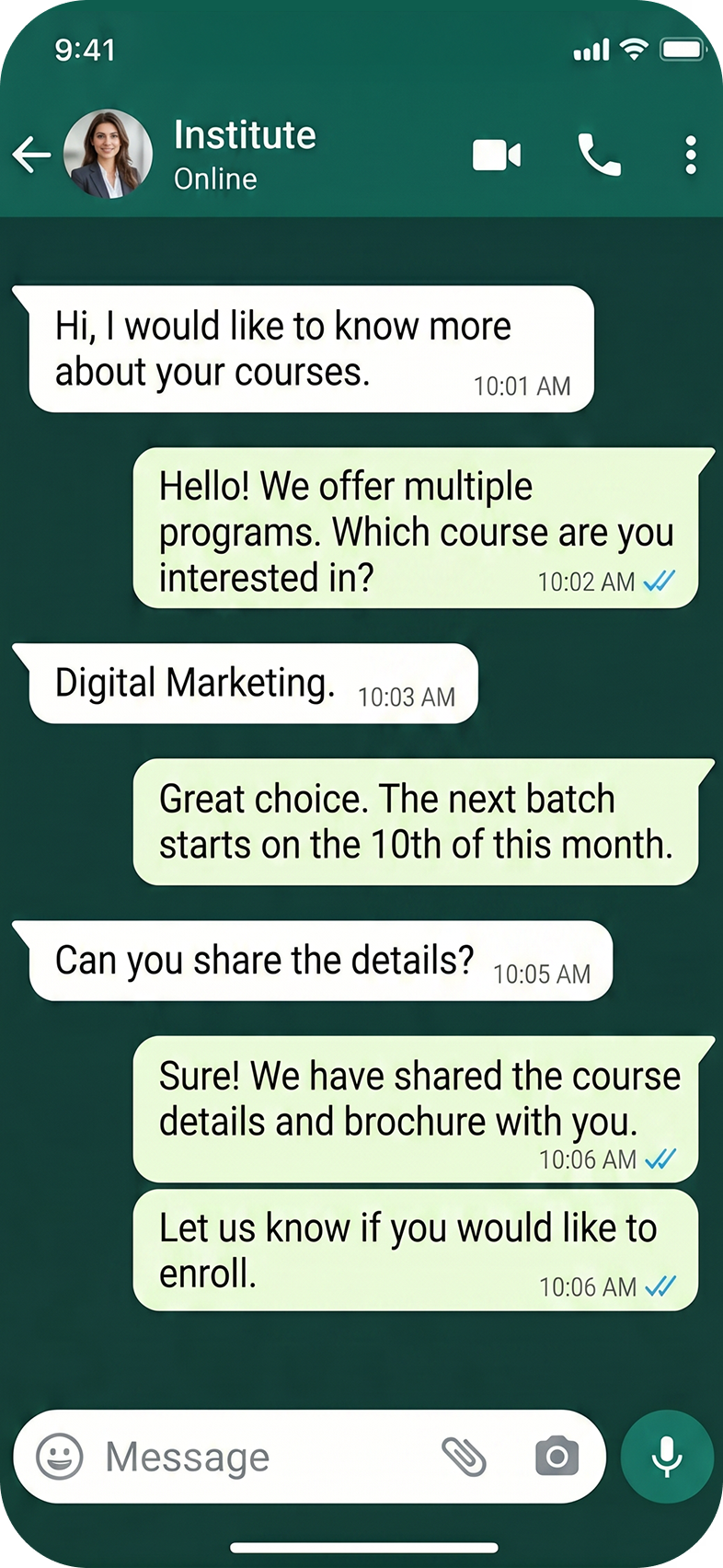
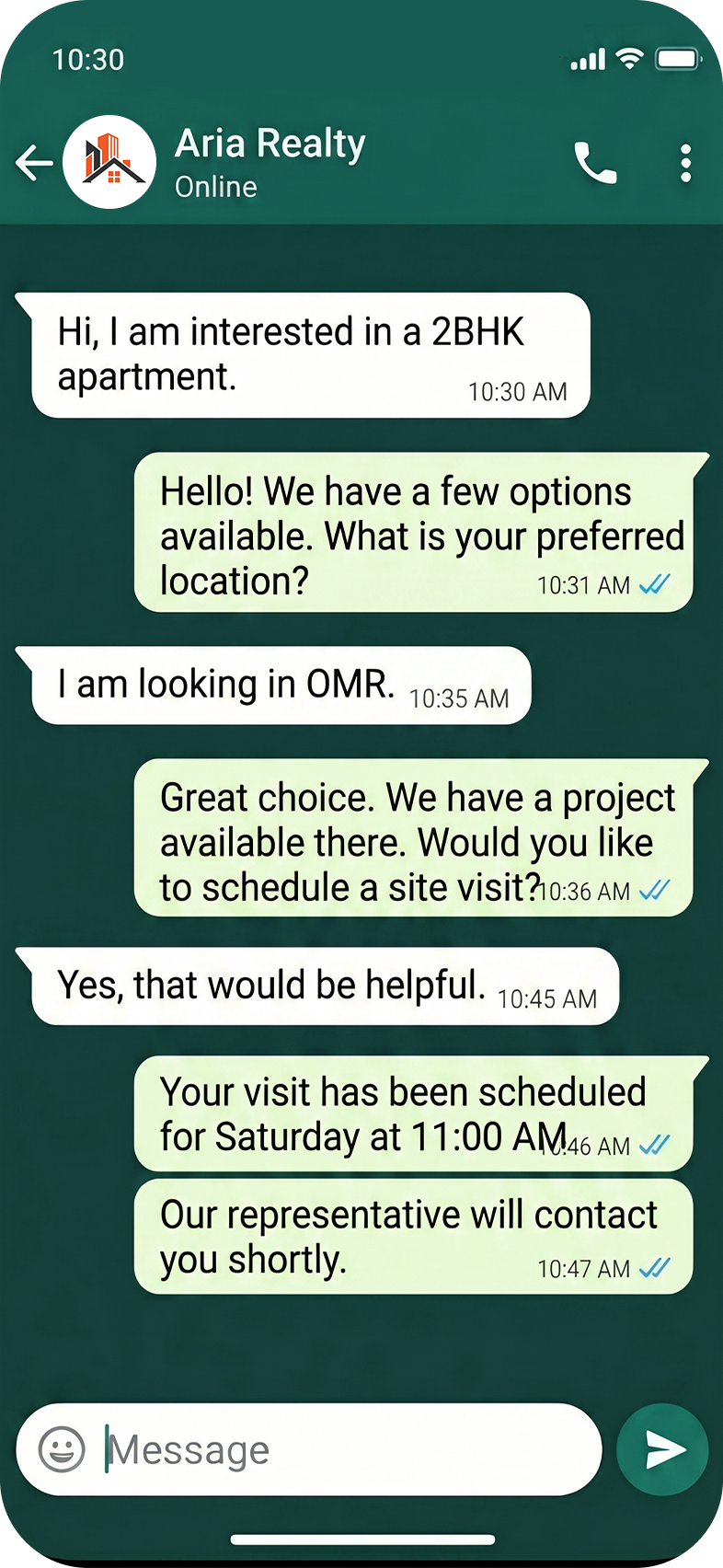
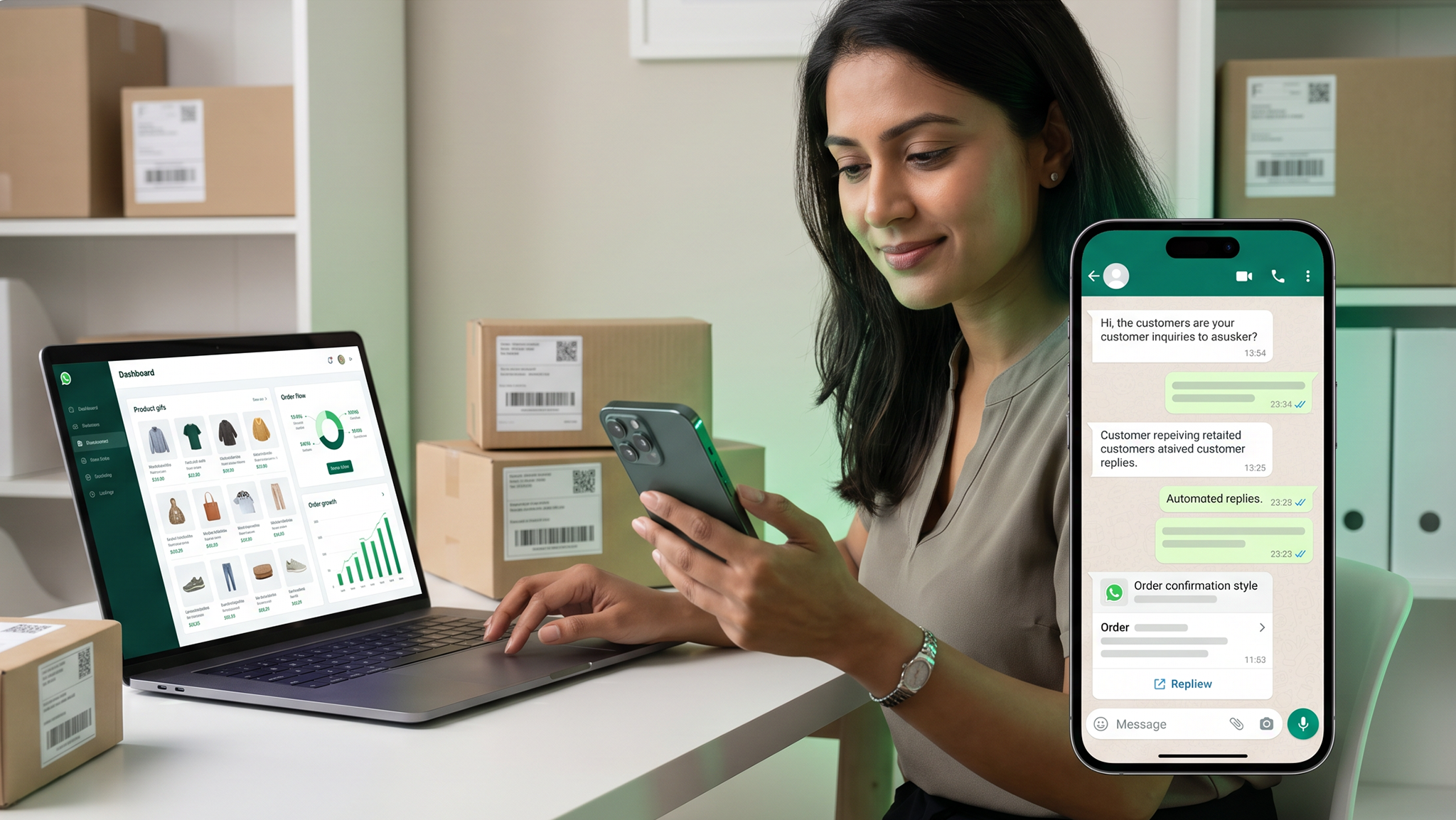



































































































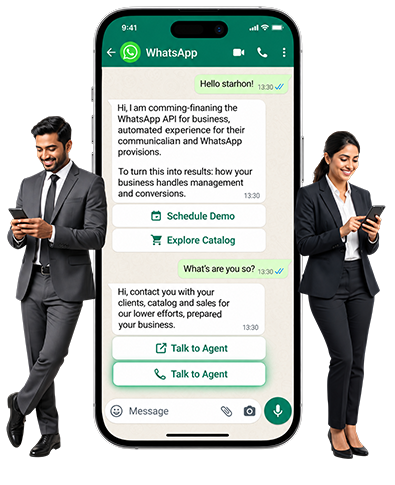
Capture leads, automate responses, assign conversations to your team, schedule campaigns and track every customer interaction through WhatsApp Business API.
Annual plans starting from ₹9,999.
Customer enquiries are handled from individual phones.
Follow-ups are missed or delayed.
Repetitive questions consume staff time.
Campaign responses are difficult to organise.
Management has no visibility into enquiry status.
Customer information is scattered across phones and spreadsheets.
Best for small businesses starting structured WhatsApp communication.
Billed annually
Choose StarterFor growing teams that need scheduled campaigns and smarter customer targeting.
Billed annually
Choose EnterpriseFor online stores running order journeys, payments and CRM-driven workflows.
Billed annually
Choose EcommerceOne-time setup, workflow configuration and implementation charges start from ₹5,000 and vary based on complexity. Meta message-usage charges, custom integrations and third-party services are billed separately.
We manage the complete WhatsApp Business API setup process, including onboarding, number verification, configuration, and compliance with WhatsApp policies. Our setup ensures secure, trusted, and effective business communication at scale.
We automate lead capture through websites, landing pages, advertisements, and click-to-WhatsApp campaigns with instant auto-responses that improve engagement and reduce response time.
Our WhatsApp automation workflows nurture leads based on customer behaviour, interests, and funnel stage, helping businesses deliver timely, relevant communication that improves conversions.
We create and manage promotional and informational WhatsApp campaigns exclusively for opted-in users, ensuring policy compliance, higher open rates, and better customer engagement.
Keep your customers informed with order updates, appointment reminders, payment notifications, service alerts, and customer support communication through automated WhatsApp messaging solutions.
We integrate CRM systems and marketing automation tools with WhatsApp Business API to streamline customer communication, automate workflows, sync customer data, and track conversations efficiently.
From Registration to Go-Live
Understand the business, customer journey and required use cases.
Assist with business verification, number registration and platform setup.
Finalise conversation paths, triggers, templates and escalation points.
Configure the approved workflows and required integrations.
Test the complete journey and train the client’s team.
Launch the solution and provide agreed post-implementation support.
We work with businesses across industries looking to scale customer engagement and business growth through strategic WhatsApp communication.
Lead generation and performance-focused marketing campaigns.

Efficient handling of high-volume customer enquiries and sales conversations.

Reliable customer support, service updates, and communication workflows.

Solutions for education, healthcare, real estate, e-commerce, and service-based businesses.

Structured and scalable customer communication for enterprises and growing brands.

WhatsApp Business API, officially called the WhatsApp Business Platform, allows businesses to manage customer communication at scale through WhatsApp.
It supports multiple team members, automated responses, chatbot workflows, approved campaign messages, transactional notifications, CRM integration, appointment journeys, and centralised conversation tracking.
Unlike the regular WhatsApp application, the API isn't a standalone mobile app. Businesses access it through an integrated communication platform or dashboard.
The WhatsApp Business App is designed primarily for small businesses that manage conversations manually from a phone or linked device.
WhatsApp Business API is designed for businesses that require:
The right solution depends on the number of enquiries, users, campaigns and automation requirements.
Yes. Once the number is connected to the WhatsApp Business Platform, authorised team members can handle conversations through the centralised web dashboard.
The availability of separate users, access roles, departments and conversation assignments depends on the selected platform plan and implementation scope.
For security and accountability, use individual user access wherever supported instead of sharing one password across the entire team.
Yes, an existing number may be eligible for registration with the WhatsApp Business Platform.
Under a standard migration, you may need to disconnect the number from the existing WhatsApp or WhatsApp Business App before API registration.
Some eligible numbers and supported platform configurations may allow coexistence between the WhatsApp Business App and the API. Our team will verify the number, provider compatibility and available migration route before beginning registration.
Businesses may also register a new number dedicated to the WhatsApp Business Platform.
This depends on the onboarding method, provider support, and the number's eligibility.
Under standard API registration, the number cannot continue operating in the regular WhatsApp Business App. However, Meta now supports coexistence in certain eligible configurations, allowing an existing WhatsApp Business App number to work alongside the API.
Webdoux will verify whether coexistence is supported for the selected platform before recommending migration.
For our implementation process, the business must complete the applicable Meta business verification and WhatsApp onboarding requirements.
Webdoux will help initiate the process and guide the client in submitting the required business documents and information. Meta controls final verification and approval, and Webdoux cannot guarantee it.
Meta business verification is different from a paid Meta Verified subscription or an Official Business Account badge.
The exact requirements may vary by business and Meta's verification process. Commonly requested information may include:
The business information submitted must be consistent across the documents, website and Meta Business Portfolio.
Standard WhatsApp Business API setup generally takes three to five working days after we receive the required documents, number access, business information, and approvals.
Custom workflows, CRM integration, ecommerce integration, payment journeys or complex automation may require additional time.
Meta verification, display-name review and template approval timelines are controlled by Meta and may extend the implementation schedule.
An automation node is a defined step or branch within a WhatsApp conversational workflow.
For example, when a customer selects "Book an Appointment," the system can trigger the next relevant step, such as selecting a department, doctor, date or time.
A complete workflow may contain multiple connected nodes based on the customer's selections and the business rules configured for that journey.
No. Meta message-usage charges are separate from the annual platform subscription, implementation fee and workflow charges.
Meta charges may vary based on:
The commercial proposal will explain the applicable pricing structure. You can also track usage and applicable charges through the platform dashboard, subject to the provider's reporting capabilities.
Meta may revise its pricing periodically, and updated charges will apply accordingly.
You can send promotional messages only to customers who have provided appropriate consent to receive WhatsApp communication from the business.
Having a customer's phone number or a previous business relationship does not automatically mean you can send unrestricted promotional messages.
Businesses must:
Webdoux does not support unsolicited or policy-violating bulk messaging.
No. Meta reviews every submitted template and may approve it, reject it, pause it, disable it, or assign it to a different message category.
The template must comply with Meta's formatting, content and messaging policies. Webdoux can help prepare and submit templates, but Meta controls final approval.
If Meta rejects a template, you may need to correct it and resubmit it.
When a customer sends a message, the business can generally respond within the applicable customer-service window using normal conversational messages.
Outside that window, a business-initiated message normally requires an approved template. Meta determines the applicable messaging rules, which may change over time.
Yes. WhatsApp Business API can connect to websites, landing pages, enquiry forms, click-to-WhatsApp advertisements, and other digital lead sources.
The exact integration depends on the website platform, required customer journey and technical compatibility.
Yes, subject to the CRM's technical compatibility and available APIs.
Webdoux can provide the relevant WhatsApp API documentation and credentials required for integration. The client's development team may complete the integration, or Webdoux can review and quote it separately.
Custom development, field mapping, data synchronisation, testing and third-party charges are not included unless specifically mentioned in the approved scope.
Yes. Customers can request appointments through a structured WhatsApp form or conversational workflow.
The journey can capture details such as:
The business can confirm, reschedule or cancel the appointment and send approved reminder messages.
Real-time slot availability and automatic appointment confirmation require integration with the hospital, clinic or business appointment system. Without that integration, the team may need to confirm the request manually.
Yes. Subject to technical compatibility, the WhatsApp Business API can integrate with an existing ecommerce website or order-management platform.
Possible use cases include:
Integration requirements depend on the e-commerce platform, available webhooks, APIs and the approved project scope.
Customers can receive secure payment links through WhatsApp using supported payment providers such as Razorpay, InstaMojo, or another compatible gateway.
The customer follows the payment link and completes the transaction through the payment provider's secure checkout process.
Payment-gateway registration, approval, subscriptions and transaction charges are separate. Custom payment-status updates or automated follow-ups require integration with the selected gateway.
Webdoux does not directly process or hold the customer's payment funds.
Yes. A workflow can transfer a conversation to a human team member when the customer requests assistance or when the enquiry requires manual handling.
The exact assignment, routing and escalation functionality depends on the selected package and configured workflow.
Yes. A knowledge-transfer and handover session is included after implementation.
The session will explain the relevant platform functions, including:
The session can be recorded and shared with the client for future internal reference.
Webdoux can provide additional training sessions and quote them separately, if required.
Webdoux will provide support for the platform and workflows covered under the approved scope.
Support may include:
Support response and resolution timelines will follow the agreed service terms.
Meta reviews, policy decisions, template approvals, service disruptions and third-party outages are outside Webdoux's direct control. However, our team will help identify the issue and coordinate the appropriate resolution wherever possible.
New workflows, integrations, major modifications and additional features will be assessed and quoted separately.
The WhatsApp Business Account, registered business number and customer data belong to the client.
Wherever possible, onboarding will be completed through the client's Meta Business Portfolio so that the client retains ownership and administrative control.
The communication platform will be provided as a white-labelled, licensed solution through a client-specific subdomain. Access to the platform is available during the active subscription period. The underlying platform software and technology remain the property of the platform owner unless a separate agreement specifically states otherwise.
The client remains responsible for obtaining customer consent, maintaining lawful data, controlling authorised user access and using the platform according to applicable policies and regulations.
No. WhatsApp Business API operates through Meta's authorised business-messaging infrastructure and is subject to verification, template, consent, quality and messaging policies.
Unofficial bulk-sending tools may violate WhatsApp policies and can place business numbers and customer data at risk.
Webdoux follows a permission-based and policy-compliant implementation approach.